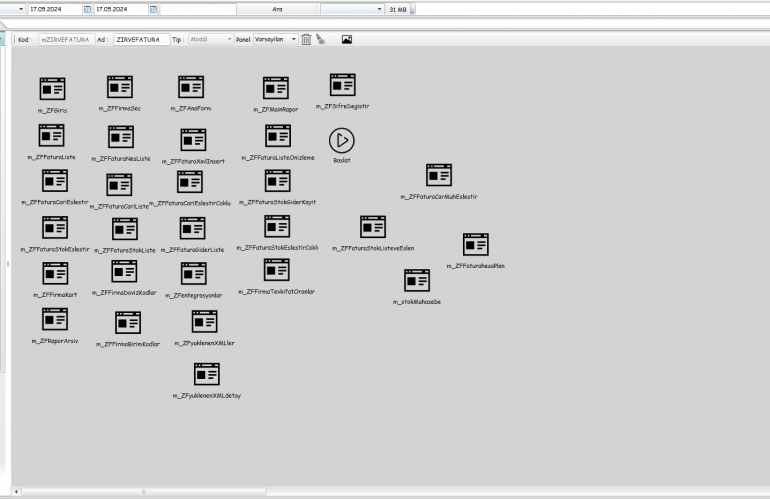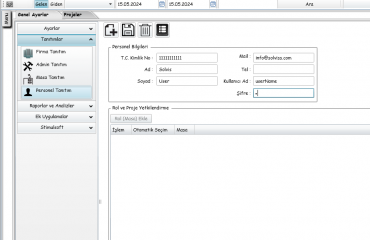
Solviss Portal Module is an application suite that combines many forms. To create a Module, you need to provide the correct Code and Name after logging into the Admin panel. Before creating a form in the tool List on the left, we have to add a Start tool to the Module and simply write Start in its name. Now, after creating a form and giving the correct name to your Form, we need to log in to the Form. When we first log in to the form, we first need to write the Form visible name. In order to register the Form, that is, to register the Module, we need to create at least one Design tool in the Form, for example a button or another tool. After creating our vehicle, we are ready to register.