I also prepared a short video on our YouTube channel about creating a new user via the Solviss Portal admin panel. There is currently no user limit on Solviss Portal, but I do not know if such a limitation can be added to licensing in the future. So now you can create as many users as you want and grant application permissions to these users. In fact, I showed very briefly in the video how to grant permissions, but I think I will explain this issue in a separate article.
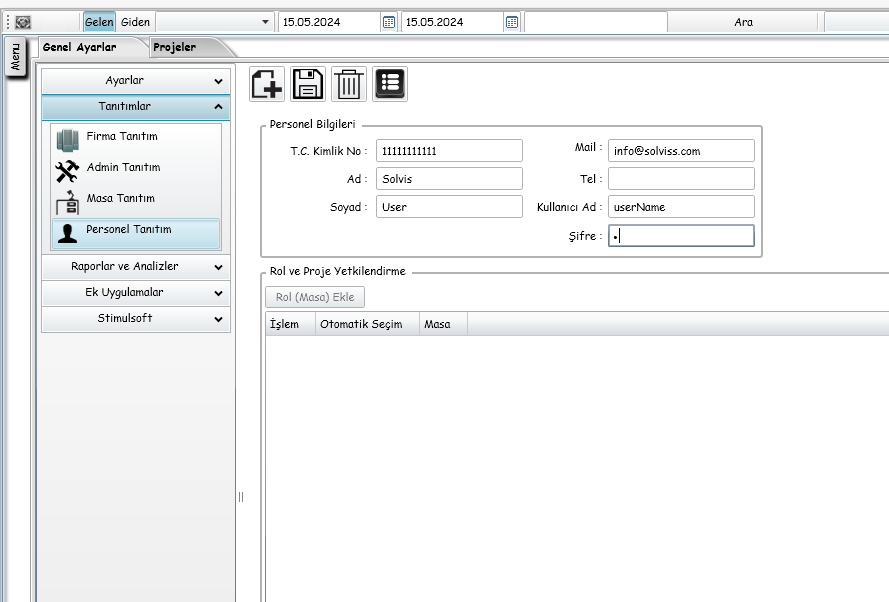
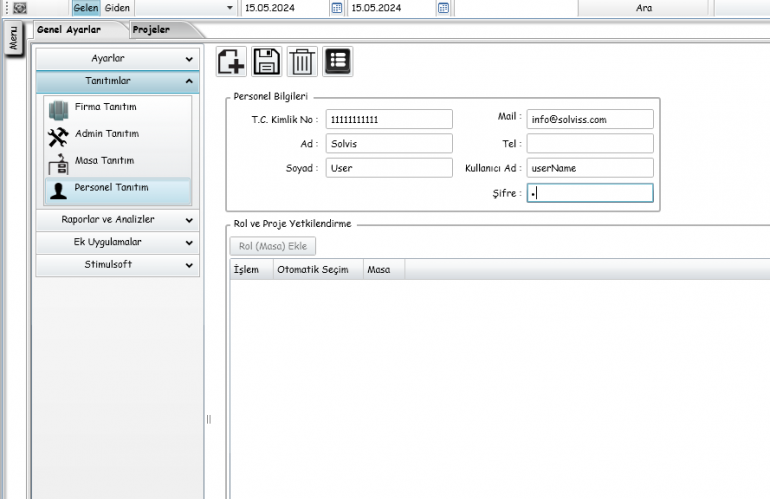
After logging in to the Solviss Admin panel, you open the General Settings->Promotions->Personnel Promotion screen, which appears as a tab on the top left, and fill in the personnel information that appears. There are mandatory fields currently in T.R. For example, there is a field called ID Number, you just need to write 1 11 times there and then you can save by pressing the save button at the top.